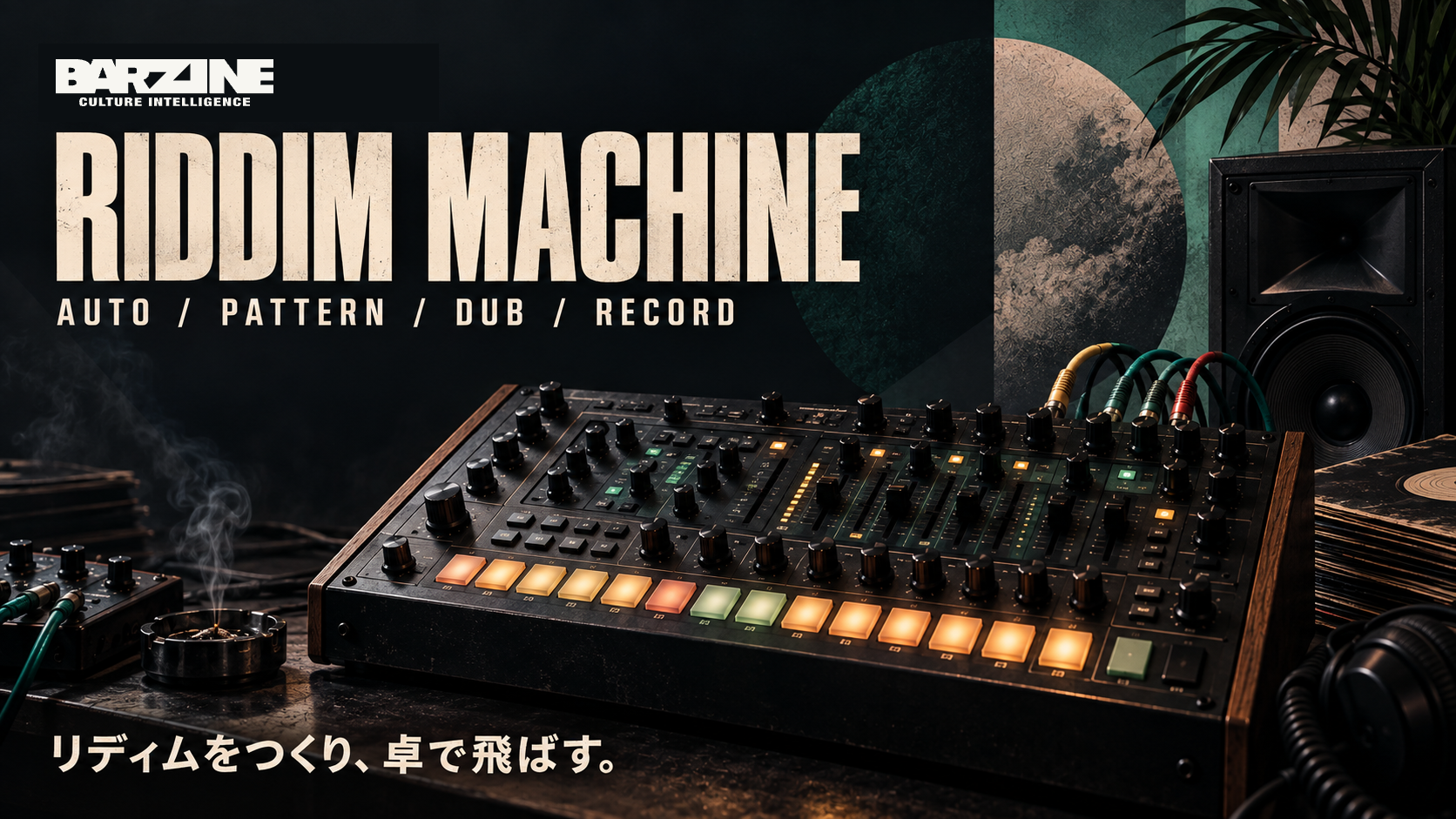
A browser beat machine that takes a reggae or dub track from skeleton to export. Seven riddim forms from ONE DROP to PSYCHEDELIC DUB, eleven auto-generated scenes, an eight-lane dub console, a siren, a texture rack, and a SONG MODE that lines up two-bar clips into a track of up to thirty-two bars.
ONE DROP is loaded when the page opens; hit a pad and two bars start turning. Place the drums and bass, throw them with ECHO THROW, and CAPTURE the state you like as a clip. Repeat that and you reach the shape of a song, either as a sketch before opening a DAW or as the finished piece.
ONE DROP is loaded when the page opens; hit a pad and two bars start turning. Place the drums and bass, throw them with ECHO THROW, and CAPTURE the state you like as a clip. Repeat that and you reach the shape of a song, either as a sketch before opening a DAW or as the finished piece.
What this browser tool does
A browser beat machine that takes a reggae or dub track from skeleton to export. Seven riddim forms from ONE DROP to PSYCHEDELIC DUB, eleven auto-generated scenes, an eight-lane dub console, a siren, a texture rack, and a SONG MODE that lines up two-bar clips into a track of up to thirty-two bars.
First five steps
Pick a PATTERN form in the Riddim Bank: ONE DROP, ROCKERS, STEPPERS, EARLY DIGITAL, UK DUB, SKA or PSYCHEDELIC DUB, each with FOUNDATION, SHUFFLE and TURNAROUND variants. Set KEY, BPM, PROG and SWING, then PLAY.
In the Riddim Sequencer grid, add or remove hits across eight lanes: KICK, RIM/SNARE, CLOSED HAT, OPEN HAT, PERC, BASS, SKANK and BUBBLE. VEL and HUMANIZE set strength and looseness.
Switch ECHO THROW on in the Dub Console and shape it with TIME, FEEDBACK, FILTER and REVERB. Layer the Dub Siren (RISE, FALL, WOBBLE) or the Texture Rack to turn a loop into a scene.
Press ● CAPTURE in Song Mode to record the current two bars as a clip. There are eight slots; record intro, main, drop and peak as separate clips by muting and unmuting lanes.
Select clips and press + ADD to line them up, up to sixteen blocks or thirty-two bars. Audition with ▶ SONG, then export SONG WAV or SONG MIDI as one file.
Basic controls
RIDDIM BANK
PATTERN offers seven forms with three skeletons each. AUTO generates a full song skeleton from eleven scenes such as ONE DROP YARD, STEPPERS, STALAG and DIWALI, from a key, BPM and length. RE-ROLL gives another take; SEED recalls the same one.
RIDDIM SEQUENCER
An eight-lane, thirty-two-step grid covering two bars. AUTO songs open scene by scene through SECTION and PAGE; APPLY ORDER sets a custom sequence and AUTO FORM restores the generated one. Up to twelve sections.
DUB CONSOLE / SIREN / TEXTURE
Each of the eight lanes has level, echo send and MUTE, and ECHO THROW is a one-switch dub throw. TIME and FEEDBACK set the tail, FILTER and REVERB set the depth. The siren has RISE, FALL and WOBBLE with PITCH, RATE and ECHO; the Texture Rack adds layers of grain.
SYNTH
Edit the KICK, BASS and SKANK/BUBBLE voices directly. Changing bass weight or skank bite leaves the pattern untouched. RESET returns the default voices.
SONG MODE
CAPTURE records two bars into one of eight clip slots, + ADD places a clip in the song and × CLIP deletes it. The selected clip is wired to the grid, so edits go straight into it. The arrangement stays in the browser, so you can close the page and continue later.
EXPORT
WAV is two bars, LOOP WAV is loop-ready, STEM gives dry per-lane audio, MIDI is for a DAW. ● REC records the performance as played, and COPY URL shares the settings and pattern.
Practical setups
A one drop song
74 BPM, ONE DROP, FOUNDATION. Capture the main first, then a thin intro with KICK, RIM and BASS removed. Use TURNAROUND for the turn, and one more clip with everything but drums and bass removed as the drop. Line them up and it is a song.
Steppers push
Around 90 BPM with STEPPERS. Keep the quarter-note kick, raise only the SKANK echo send and keep FEEDBACK short.
Start from AUTO
Set the Riddim Bank to AUTO, pick STALAG or DIWALI and keep LEN short. Thin out each SECTION in the grid and CAPTURE only the scenes you like.
Save and export
SONG WAV and SONG MIDI bounce the arranged clips into one file. MIDI carries no audio, so assign drum, bass and keyboard instruments after importing into a DAW. Clips and the arrangement live in this browser's localStorage; COPY URL shares the pattern state only.
What this tool does not do
This tool focuses on one sound or pattern task rather than final mixing.
Keep output level conservative before pushing feedback, drive or repeated effects.
FAQ
Is it free?
RIDDIM MACHINE is free to use in the browser.
Do I need to install anything?
No. Open the tool in a current browser to start.
Can I save or export the result?
SONG WAV and SONG MIDI bounce the arranged clips into one file. MIDI carries no audio, so assign drum, bass and keyboard instruments after importing into a DAW. Clips and the arrangement live in this browser's localStorage; COPY URL shares the pattern state only.
What should I try first if it does not work?
If pads make no sound, tap the page once and press PLAY. Browsers block audio before the first interaction.
Troubleshooting
If pads make no sound, tap the page once and press PLAY. Browsers block audio before the first interaction.
If CAPTURE does nothing, all eight slots are full. Free one with × CLIP.
If + ADD is disabled, no clip is selected or the song has reached sixteen blocks.
If the song feels flat, remove rather than add. One clip with everything but BASS muted makes a dub drop.
Bass or skank sent from RIDDIM BASSLINE or SKANK ORGAN with → SEQ overrides PROG. Press CLEAR on the grid to drop the import.
Next tools
How to use DUB SIREN DECKA browser-based dub siren with oscillator, ZAP, LFO, filter, echo, reverb, built-in riddims and recording in one performance deck.
How to use CHIP SIREN 8An 8-bit siren machine with four tracks, a 16-step sequencer, chip voices, live FIRE and BURST pads, echo and browser recording.
How to use DUB SIREN CLASSICA focused dub siren interface for waveform, LFO, ZAP, filter, echo, reverb, hold effects, BPM looping and recording.
OPEN RIDDIM MACHINE
Start from one preset or one pattern, then adjust only the part you can hear changing.