LIGHT MODE
BREEZE creates gentle motion, PRISM creates detailed highlights, AURORA adds soft fields and DREAM uses pale colour movement.

A lightweight music visual tool that adds light, sparkle and transparent colour to an image using BREEZE, PRISM, AURORA and DREAM modes.
This tool adds light while keeping the source image visible. Use intensity, flow, sparkle and colour mix to shape the response, then save a still frame.
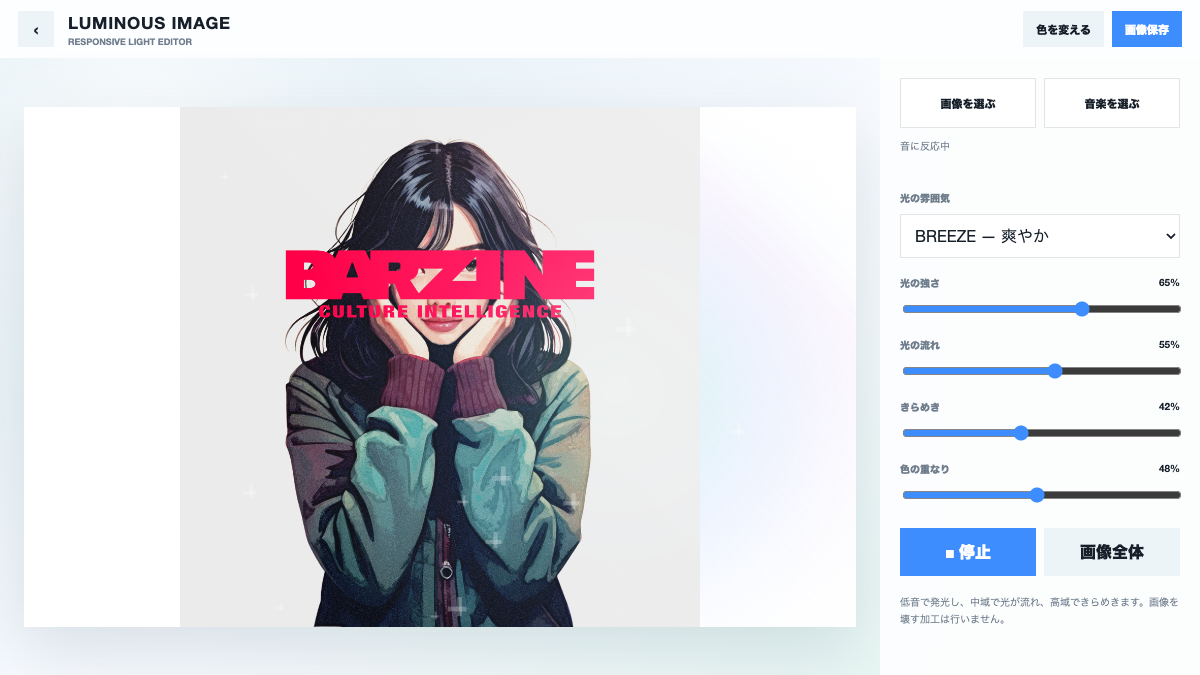
This tool adds light while keeping the source image visible. Use intensity, flow, sparkle and colour mix to shape the response, then save a still frame.
A lightweight music visual tool that adds light, sparkle and transparent colour to an image using BREEZE, PRISM, AURORA and DREAM modes.
BREEZE creates gentle motion, PRISM creates detailed highlights, AURORA adds soft fields and DREAM uses pale colour movement.
INTENSITY sets the total light and FLOW sets movement. Lower intensity first when the source image begins to disappear.
SPARKLE adds points of light and COLOR MIX adds transparent colour fields. High values together can wash out detail.
Change colour cycles through palettes and image fit controls how much of the source remains visible.
Use BREEZE, low intensity and a small amount of sparkle.
Use PRISM, moderate flow and a controlled colour mix over graphic artwork.
Use DREAM with slow flow and wait for a balanced colour overlap before saving.
The save control exports the current visual frame as an image. Wait for the desired light position, then save; audio is not included.
Start from one preset or one pattern, then adjust only the part you can hear changing.
OPEN TOOL →